
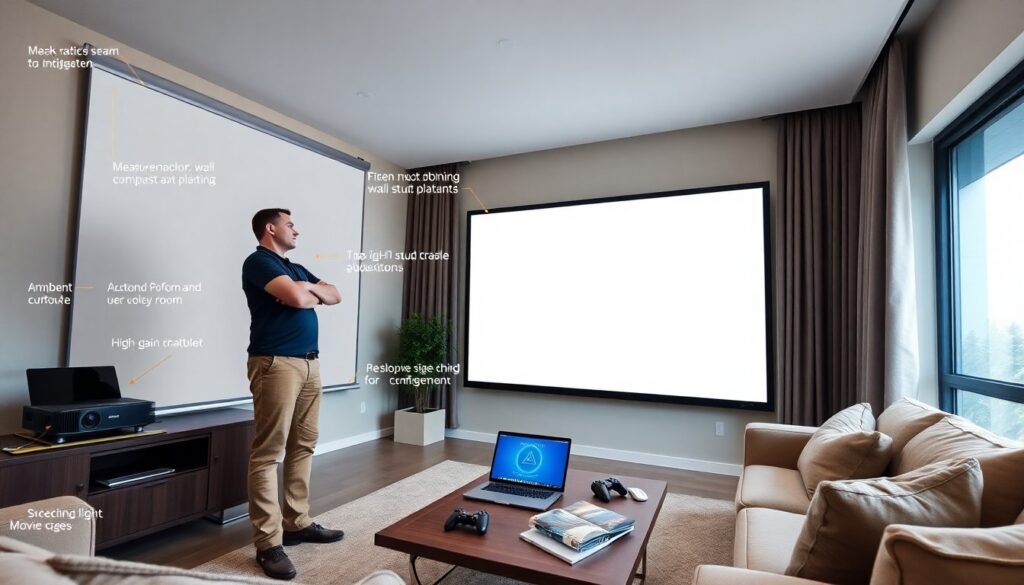
Readers can experience the magic of beautiful PlutoScreen in 2026 and change how they watch movies at home. The product offers bright images, simple setup, and clean design. The guide explains core differences, how to choose a model, setup steps, and ways to use the screen. The text stays clear and direct to help readers decide quickly.
Key Takeaways
- Experience the magic of beautiful PlutoScreen with its bright 4K-compatible images and sleek, wrinkle-free design for a modern home cinema.
- PlutoScreen offers easy installation with a clamp system and versatile models like fixed frame, motorized, and retractable to fit any room setup.
- Choose the right PlutoScreen by measuring your room, considering seating distance, and selecting appropriate screen size and aspect ratio for comfortable viewing.
- Select screen materials based on ambient light: high-gain fabrics for moderate light, ALR fabrics for bright rooms, and matte white for dark rooms with wide viewing angles.
- Follow simple setup and calibration steps including even frame tension, projector adjustments, and gentle maintenance to ensure lasting image quality.
- Use PlutoScreen for movies, gaming, or ambient displays to enjoy enhanced contrast, motion clarity, and gallery-style visuals that enrich your living space.
What Makes PlutoScreen Different: Design, Image Quality, And Ease Of Use
PlutoScreen combines thin aluminum framing, a wrinkle-free surface, and magnetic seams. It gives a flat image and a modern look. The screen uses high-gain fabric to boost brightness without shifting color. It pairs well with 4K projectors and HDR sources. PlutoScreen also ships with an easy clamp system. Installers place the frame, stretch the fabric, and lock the clamps. The product targets homeowners who want a clean install and reliable image. Many buyers praise the consistent color and contrast. In short, PlutoScreen focuses on clear visuals, fast setup, and tidy design. Readers who want a simple upgrade will find value here.
Choosing The Right PlutoScreen For Your Space
They should measure the room before they order a PlutoScreen. Room size, seating distance, and projector throw affect the choice. They should match screen size to viewing distance for comfort. They should pick an aspect ratio that fits the source material. The section below breaks choices into clear factors.
Size, Aspect Ratio, And Mounting Options
Homeowners should choose a screen that fills the field of view without causing neck strain. For 16:9 content, a common rule says seat distance should equal 1.5 to 2.5 times the screen height. For cinematic 2.35:1, viewers can move slightly farther back. PlutoScreen offers fixed frame, motorized, and retractable models. Fixed frames give the flattest surface. Motorized units hide when not in use. Retractable models free wall space. They should check wall stud placement and projector height before they buy. They should also confirm the frame depth for recessed mounts. These checks prevent surprises during installation.
Ambient Light Considerations And Screen Material Choices
They should assess ambient light levels before they select screen material. High-gain fabrics work well in moderate light. ALR (ambient light rejecting) materials help when windows or lamps sit near the screen. Matte white suits dark rooms and gives wide viewing angles. PlutoScreen lists fabric options with measured gain and viewing angle. They should also consider wall color and possible reflections from furniture. Choosing the right material leads to a cleaner image and fewer compromises during daytime use.
Setup, Calibration, And Simple Maintenance Tips
They should unpack PlutoScreen on a soft surface to avoid scuffs. The frame pieces slot together and lock with included hardware. They should tighten edges evenly to prevent waves. For calibration, they should use a test pattern and adjust projector distance, zoom, and lens shift. They should set projector color temperature to a natural tone and match gamma to source devices. For motorized models, they should program travel limits and stop points. For maintenance, they should dust the screen with a soft brush and clean stains with a damp microfiber and mild soap. They should avoid solvents and abrasive pads. These steps keep the image sharp and the fabric intact.
Ways To Experience PlutoScreen: Movies, Gaming, And Ambient Displays
They can use PlutoScreen for three common modes. For movies, they should dim lights and use a calibrated projector. The screen shows deeper blacks and clearer highlights with HDR sources. For gaming, they should set the projector to a low-latency mode and use a high-refresh input. The screen surface keeps motion clarity and reduces blur. For ambient displays, they should use a media player or PC to show art, photos, or clocks. The flat frame creates a gallery-like look on a living room wall. Many users rotate content for mood lighting and casual viewing. PlutoScreen supports all three modes and fits varied living spaces.